Reduce PowerPoint file size with our advanced PPT compressor effortlessly. Compress your presentations securely and quickly without compromising quality.
PowerPoint presentations are vital for communication today. But as they get more complex, file sizes grow. This makes sharing and storing them a challenge. Our innovative online tool offers a solution to compress PowerPoint files efficiently and securely, all within your web browser – no software installation required.
Introducing Our Free PowerPoint Compression Tool
Our PPT compressor is a powerful, free online tool that can reduce PowerPoint file size by up to 90%. It keeps quality high and works right in your web browser, processing files locally on your device. This means it’s fast, secure, and efficient, unlike many other options.
Key Features:
- 100% Free: No hidden costs or premium versions
- Local processing: No need to upload files to external servers
- Rapid compression: Instantly begins to compress PPT files
- Secure: Your files never leave your device
- Efficient: Ability to reduce PPT file size in batches
- No file size limits: Compress even your largest presentations
- Multi-device access: Use on your computer, tablet, or smartphone
Key Takeaway: Our free online PPT compressor offers local processing on any device, ensuring fast, secure, and efficient compression of your PowerPoint files for storage and easy email sharing.
Why Choose Our PowerPoint Compressor?
When it comes to compressing PowerPoint files, our tool stands out from the crowd:
| Feature | Our Free PPT Compressor | Typical Online PPT Compressors |
|---|---|---|
| Cost | Always free | Often require payment for full features |
| Processing Location | Your device | External servers |
| Speed | Instant start, rapid processing | Dependent on upload/download speeds |
| Security | Files stay on your device | Files uploaded to external servers |
| Efficiency | Compress multiple files at once | Often limited to single file processing |
| Compression Quality | Up to 90% size reduction | Varies |
| File Size Limit | No limit | Often restricted |
Benefits of using our online compressor tool:
- Easier File Sharing: Reduce file sizes to easily share presentations via email or messaging apps
- Save Storage Space: Compress PowerPoint files to free up space on your device or cloud storage
- Faster Upload Times: Smaller file sizes mean quicker uploads for online meetings or presentations
- Maintain Quality: Compress files without significantly compromising the quality of your presentations
- Batch Processing: Save time by compressing multiple PowerPoint files at once
Key Takeaway: Our free, local PPT compressor offers a faster, more secure, and more efficient way to reduce PowerPoint file size compared to online alternatives.
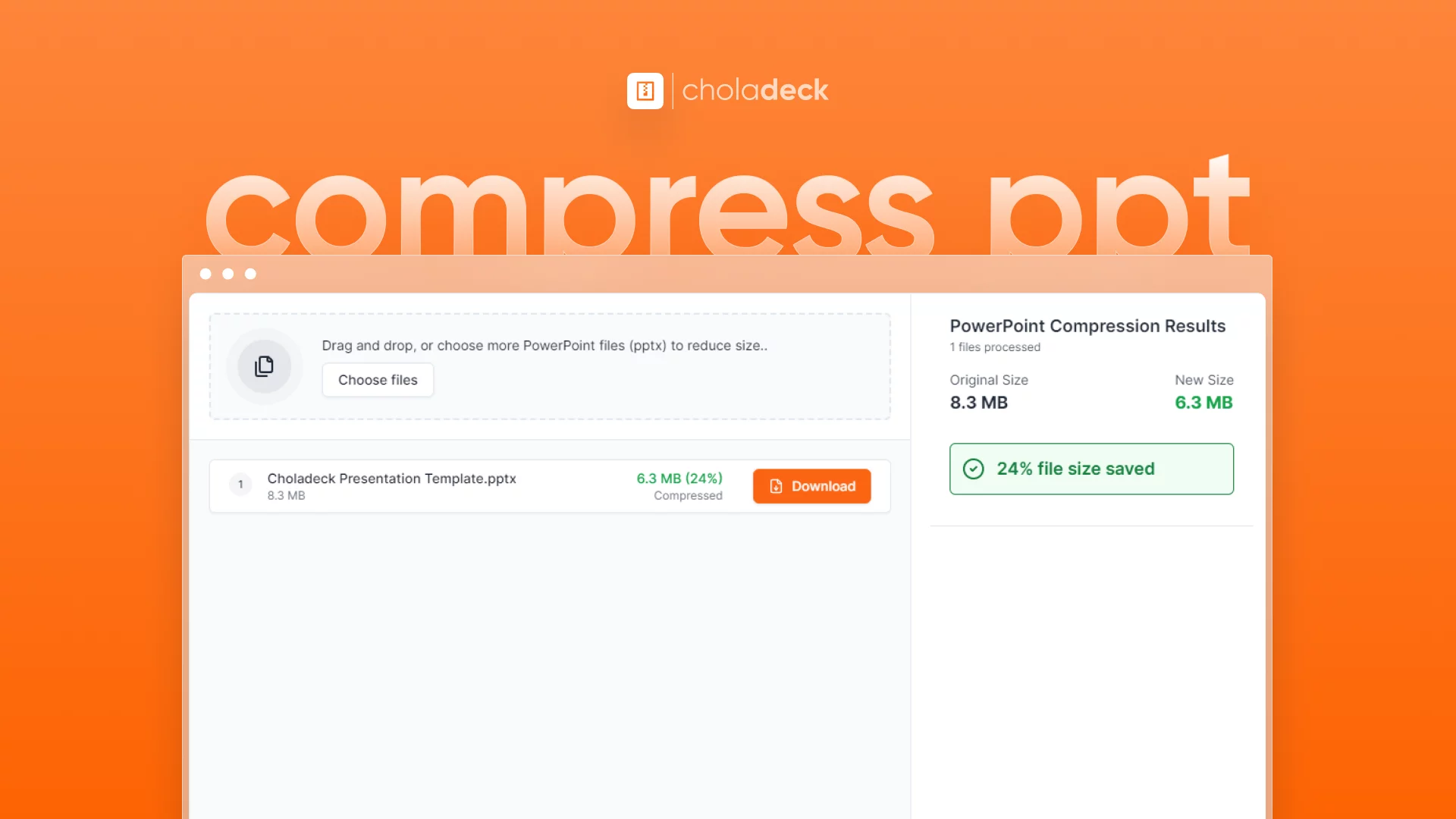
Follow these simple steps to compress PowerPoint files:
- Select Compression Level: Choose “Small Size”, “Balanced”, or “High Quality” based on your needs
- Choose Files: Drag and drop or choose the PowerPoint files you want to compress
- Start Compression: Our tool immediately begins processing
- Add More Files (Optional): While compression is ongoing, you can add more files
- Download: Once complete, download your compressed files to your device
Pro Tip: For presentations with numerous high-resolution images, try the “Balanced” option first. It often provides the best compromise between file size and image quality.
Is this PowerPoint compressor really free?
Yes, our tool is completely free to use, with no hidden costs or premium versions.
Why is my PowerPoint file so large?
Will compressing my PowerPoint file affect its quality?
Can I compress multiple PowerPoint files at once?
Is there a file size limit for compression?
Can I use this tool on my tablet or smartphone?
Do I need to install any software to use this tool?
Is it safe to use your PPT compressor?
Try our free online PowerPoint compressor today and experience effortless file size reduction without compromising quality or security. Whether you need to compress PowerPoint files for easier sharing, save storage space, or speed up uploads for presentations, our tool makes it simple and efficient – all from the convenience of your web browser.